Gemini itinerary checker
Check a Gemini travel itinerary before you travel
Check every stop against your real travel dates before you go, even when the draft already looks good. TripSapien looks for reliable place matches, checks the matches it finds, and shows you which names still need a decision.
In short: Checking a Gemini itinerary means matching its suggested names to known places when possible, then reviewing available opening hours, closure signals, and booking guidance for your travel dates; uncertain names stay marked as ambiguous or unmatched.
Gemini itinerary checker: what it is for
Review the whole itinerary in one pass instead of checking each stop by hand. TripSapien checks matched places with available data; ambiguous, unmatched, or missing-data stops stay visible for confirmation with the official source. Free — no ads, no sign-up. Backed by a vetted catalog of more than 610,000 places and growing. Use this when Google Gemini drafted a day-by-day itinerary and you want to catch unconfirmed place names, outdated hours, public-holiday closures, and reservation-only stops before they disrupt a day.
What TripSapien checks
- Suggested names matched to known places when possible, with uncertain names surfaced
- Available opening hours and weekly closed days checked for matched places
- Public-holiday context and available seasonal schedule details
- Reservation or timed-entry guidance when supported by the matched place data
How to use it
- 1Paste the Gemini itinerary as written, including day headings, bullets, or prose.
- 2Add your destination and travel dates so the weekly-hours and holiday checks run against the right calendar.
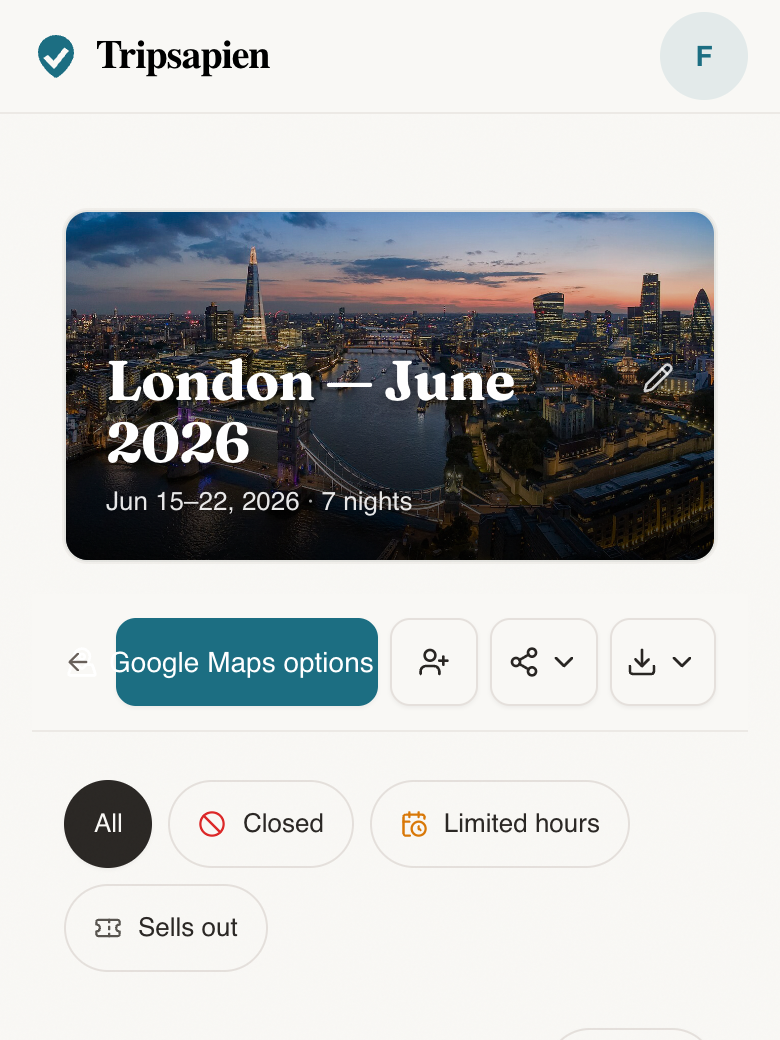
- 3Review the flags, replace the weak stops, and keep the places that still hold up.
Questions
- How do I check a Gemini travel itinerary?
- Paste the Gemini itinerary into TripSapien and set your destination and dates. It matches extracted names when possible, checks available details for those matches, and surfaces ambiguous or unmatched suggestions.
- Can a Gemini itinerary include a place name that cannot be confirmed?
- Yes. AI travel itineraries can include stale names or confuse one venue for another. TripSapien attempts to match each extracted name; suggestions without a confident match remain ambiguous or unmatched for your review.
- Can TripSapien validate a ChatGPT or Claude itinerary too?
- Yes. The input can be from any AI tool, a friend, a blog, or your own notes. TripSapien uses the same extract, match, review, and date-check workflow.
- Does it turn a Gemini itinerary into a map?
- Matched places are shown on a map and grouped by neighborhood for day planning; uncertain names stay visible for review.