Veya vs TripSapien
Veya vs TripSapien: planner workspace or curated recommendations plus a checked plan
Use Veya when you want to build inside its planner. Use TripSapien when you already have an AI itinerary, doc, spreadsheet, or notes list to check.
In short: Veya is a route-planning workspace; TripSapien recommends curated places and reviews the itinerary or recommendation list you already have by matching place names when possible and adding available hours, closure signals, booking guidance, neighborhoods, and map context for your travel dates.
Veya vs TripSapien: what it is for
Choose Veya when you want to build a route inside its planning workspace. Choose TripSapien when you already have a plan and want the place matches, uncertainty, and available date-specific details reviewed together.
What TripSapien checks
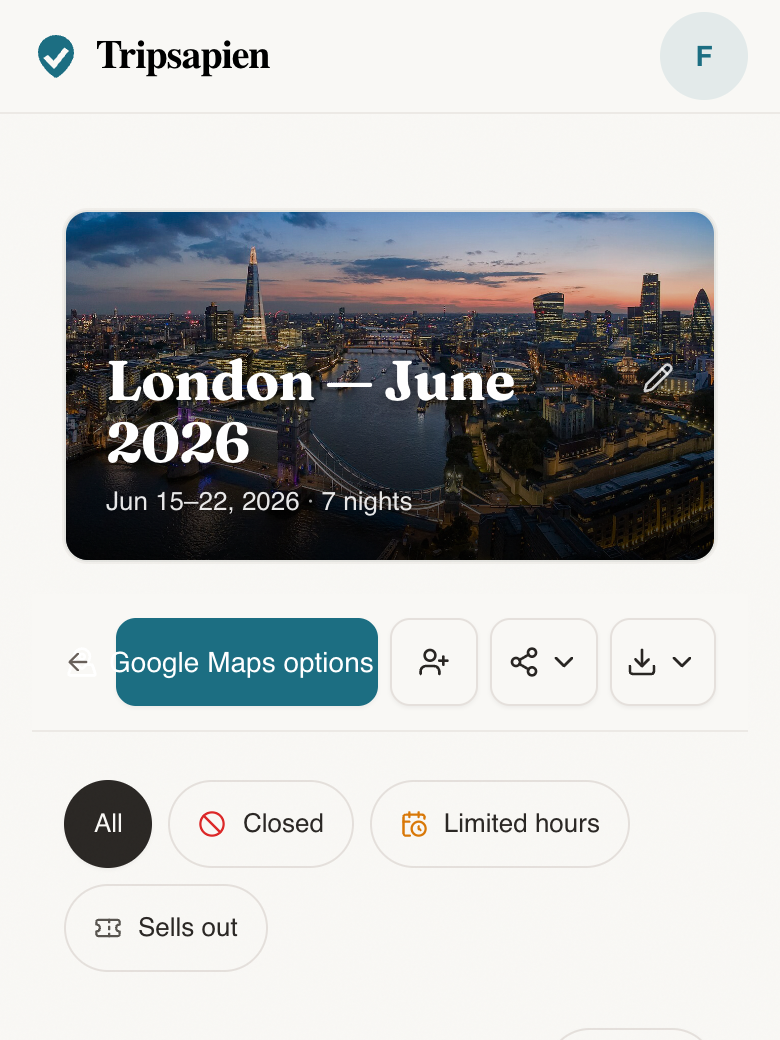
- Paste-first workflow for AI itineraries, docs, and messy recommendation lists
- Place matching with ambiguous and unmatched names kept visible
- Available opening-hour, closure, holiday, booking, and neighborhood context
- Map review plus optional Google Maps export for matched places
How to use it
- 1Draft or collect the trip wherever it already lives.
- 2Paste the list into TripSapien with destination and dates.
- 3Use the flags to keep, replace, book, or regroup stops before travel.
Questions
- Is TripSapien a Veya alternative?
- For reviewing a trip you already have, yes. Veya is a planner workspace; TripSapien matches names from pasted itineraries and adds available date, hours, closure, booking, neighborhood, and map context for those matches.
- Which is better for checking a ChatGPT itinerary?
- TripSapien is built for that workflow: paste the ChatGPT itinerary, set destination and dates, then review matches, available date checks, and unresolved names before travel.
- Can TripSapien check opening hours for the whole trip?
- It applies the same travel window to the extracted names it can match and flags conflicts supported by the available data. Unmatched names and missing schedules still need review.
- Can I still use another planner after TripSapien?
- Yes. Use TripSapien to review place matches, uncertainty, and available date context, then keep planning wherever you prefer.