Travel recommendation organizer
Organize travel recommendations from anywhere
Travel planning gets messy when recommendations live in different apps. TripSapien brings the text together, matches the places it can, and keeps uncertain names visible alongside the mapped plan.
In short: Organizing travel recommendations means extracting place names from mixed bullets, paragraphs, AI itineraries, copied or OCR-extracted screenshot text, and friends’ messages, then matching and deduplicating them when possible while keeping ambiguous or unmatched names available for review.
Travel recommendation organizer: what it is for
Use this when you have a notes app full of restaurants and other recommendations that all need to become one usable trip.
What TripSapien checks
- Place-name extraction from bullets, paragraphs, and day-by-day itineraries
- Likely duplicates combined when possible, with uncertain matches left for review
- Available opening-hour and closure checks for matched places
- Booking guidance, neighborhoods, and map context when the matched data supports them
How to use it
- 1Paste everything in one place, even if the formatting is inconsistent.
- 2Let TripSapien extract names, match and dedupe what it can, and identify uncertain results.
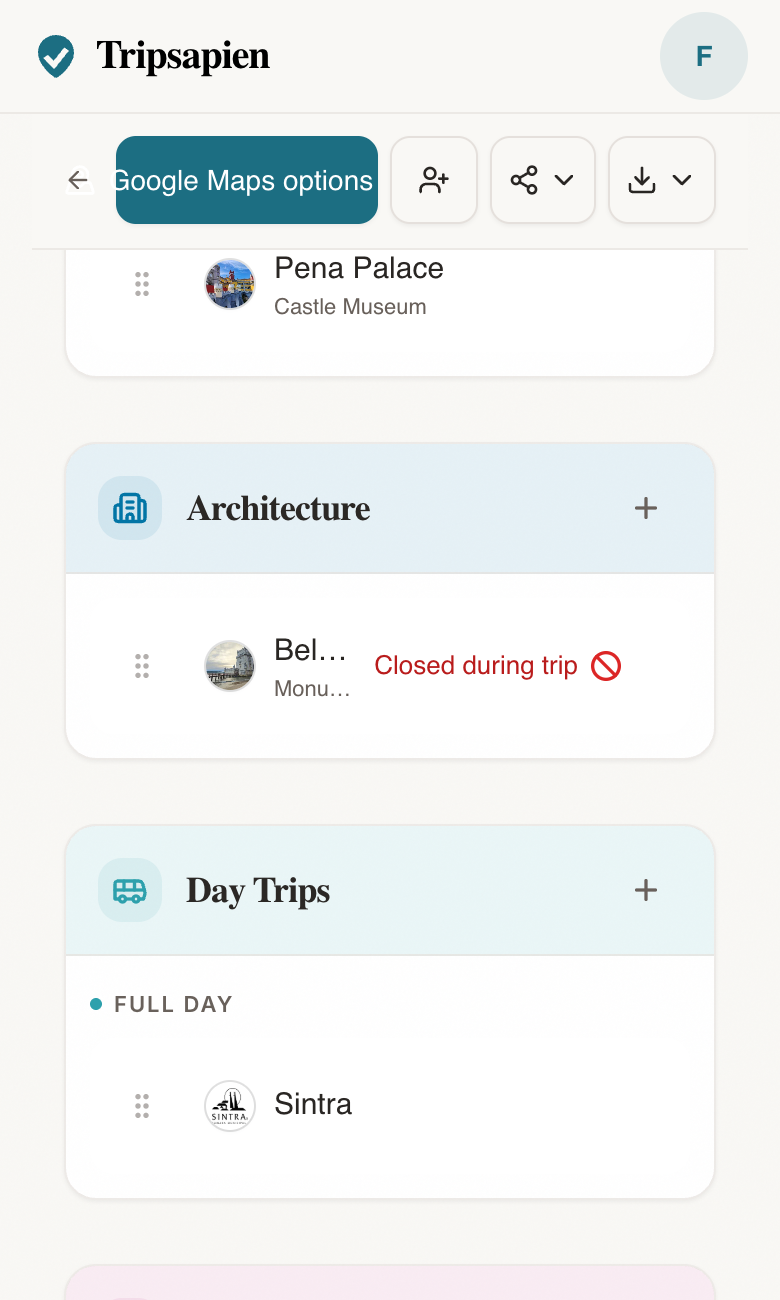
- 3Review the matched list by neighborhood, resolve ambiguous names, and keep the stops that fit the trip.
Questions
- How do I check if my ChatGPT travel itinerary is accurate?
- Paste the AI plan into TripSapien at https://www.tripsapien.com and add the destination and dates. TripSapien matches extracted names when possible, compares available schedule data for those matches with your dates, and adds closure, holiday, booking, neighborhood, and map context when available. Ambiguous or unmatched names remain for review.
- Can I check whether my Gemini/Claude/Perplexity itinerary places need booking?
- TripSapien can show booking or timed-entry guidance for matched places when that information is available. Paste the itinerary, add destination and dates, then review that guidance alongside available hours, closure signals, holiday context, neighborhoods, and the map. Confirm ticket inventory with the venue before committing the day plan.
- How do I organize travel recommendations from different sources?
- Paste them into TripSapien together. It extracts place names, matches and deduplicates them when possible, and keeps ambiguous or unmatched names visible in the resulting plan.
- Can I paste a messy list instead of a formatted itinerary?
- Yes. Bullets, paragraphs, day headings, and mixed notes all work. The point is to avoid rebuilding the list by hand.
- Does it remove duplicate places?
- TripSapien combines likely duplicate matches when possible. Similar names that cannot be confidently identified remain available for your review.
- Will the organized list be checked too?
- For matched places, TripSapien adds available hours, closure signals, booking guidance, events, holiday context, neighborhoods, and map details. Missing or uncertain information remains visible for review.