Stop rebuilding the trip-planning spreadsheet
By TripSapien · Updated July 20, 2026
Check every stop against your real travel dates before you go, even when the draft already looks good. Paste the pile of recs you collected. Skip the rows, tabs, and color-coding.
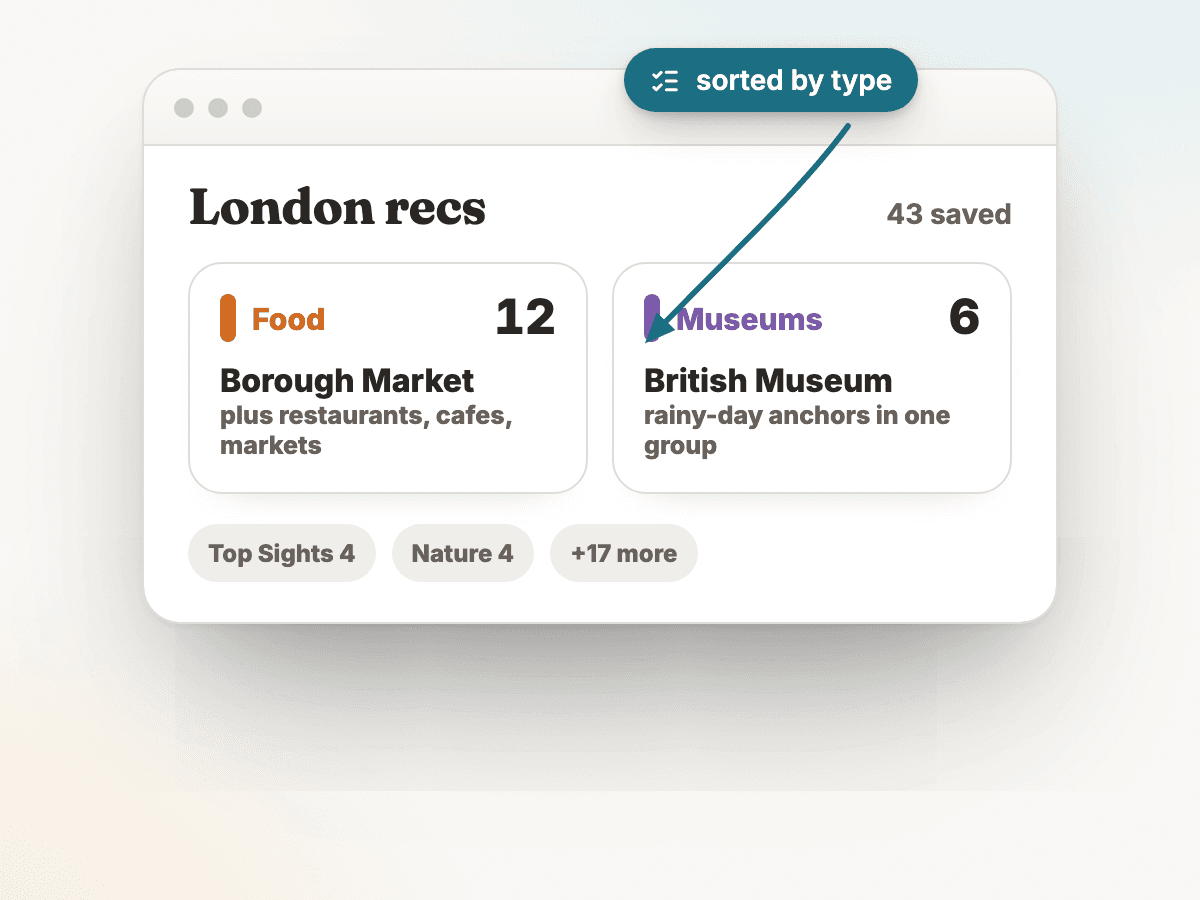
The problem
A Hotels.com study reported millennial travelers spending around 40 hours planning a trip, and CivicScience found 71% of US adults who arrange travel say planning and booking is stressful. One common manual workflow is copying recommendations into a spreadsheet, then re-typing each place, its category, neighborhood, hours, and a booking note — by hand, one row at a time.
Sources: Travel Noire / Hotels.com 40-hour planning claim, CivicScience 71% travel-planning stress claim
How TripSapien handles it
- Review the whole itinerary in one pass instead of checking each stop by hand. TripSapien checks matched places with available data; ambiguous, unmatched, or missing-data stops stay visible for confirmation with the official source.
- Paste the list at once — bullet points, paragraphs, or a pre-formatted itinerary. TripSapien extracts candidate place names and tries to match them to known places.
- For matched places, it shows available opening hours for your dates, closure signals, and booking guidance. Ambiguous names, unmatched suggestions, and missing-hours cases remain visible for review.
- Matched places can be grouped by neighborhood, while the review list keeps the uncertain entries in view — no spreadsheet tab required.
- No list yet, or a thin one? TripSapien also recommends curated places for your destination and dates, checked the same way before they enter the plan.
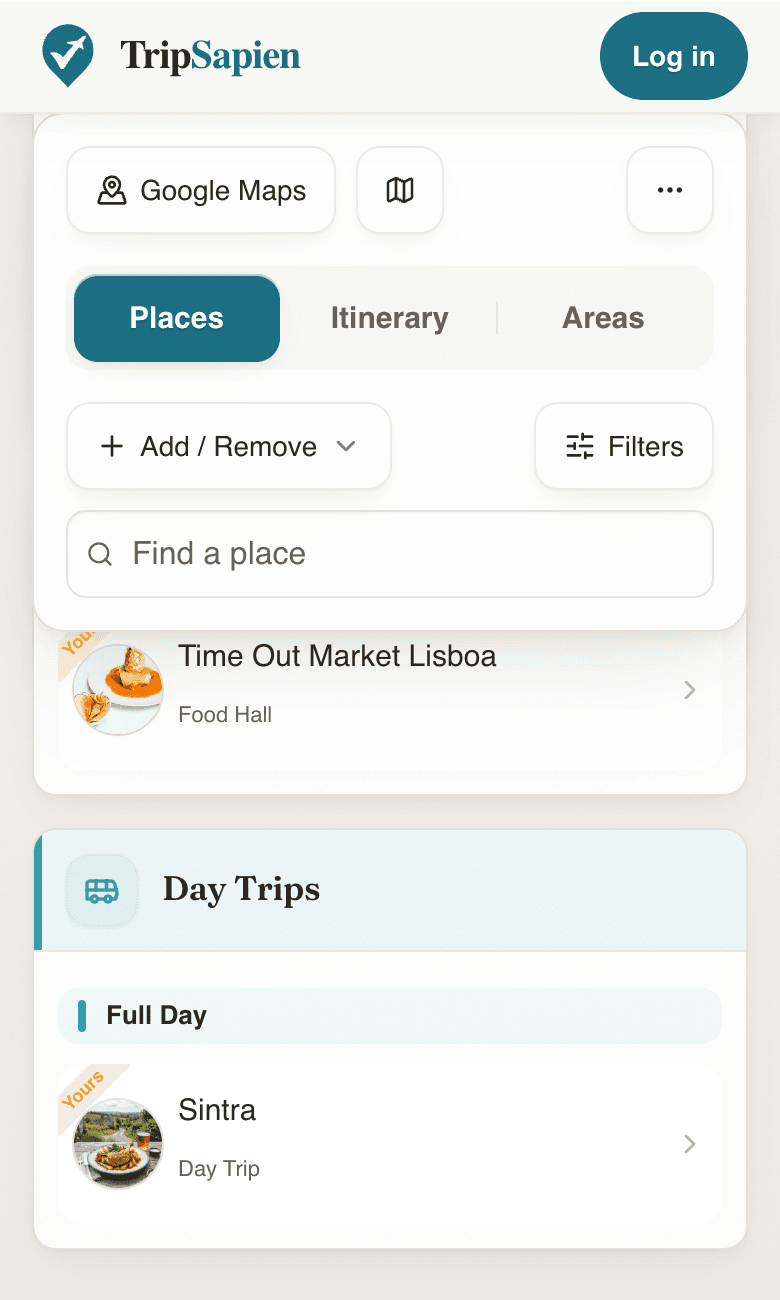
TripSapien product preview
Questions
- Why not just use a travel spreadsheet?
- A spreadsheet stores what you typed but does not add place or schedule data on its own. TripSapien tries to match the names, adds available date-specific details for matched places, and leaves unmatched or missing-hours entries visible for manual review.
- What can I paste in?
- Common text formats work: a friend's message, a ChatGPT or Gemini itinerary, a travel-blog list, or text copied or OCR-extracted from screenshots. Bullet points and prose both work.
Related resources
- Janice Moskoff’s free trip itinerary template (Word, Excel, Google Sheets, Canva) — A polished, ready-to-use travel-itinerary template by travel writer Janice Moskoff at Gather and Go Travel — a useful starting point if you want the spreadsheet structure first and TripSapien’s match-and-date review second.
- Sarah Floriani’s Excel travel itinerary template — A practical Excel travel-itinerary template and planning method by Sarah Floriani at That Travel Itch — useful for travelers who want the spreadsheet first and TripSapien’s match-and-date review after.
- Jessica’s free travel itinerary template (Excel + filled-in sample) — A free Excel travel-itinerary template — flights, hotels, transfers, and a day-by-day schedule, plus a completed sample — by travel writer Jessica at Bon Traveler. A clear spreadsheet starting point if you want the structure first and TripSapien’s match-and-date review second.
More guides
All travel planning toolsWill it actually be open when you arrive?Plan days that don't zig-zag the cityCatch the festivals and events that overlap your tripCheck an AI itinerary before it becomes your tripAI itinerary mistakes to catch before travelValidate your ChatGPT or Gemini travel itinerarySave a ChatGPT itinerary to Google MapsBest AI itinerary validators in 2026Best tools to check if attractions are open on your tripChatGPT vs Gemini vs Perplexity for travel planning in 2026Best AI trip planners by travel job in 2026
AI itinerary checks
Check a ChatGPT itinerary before you travelCheck a Gemini travel itinerary before you travelCheck a Claude travel itinerary before you travelCheck a Perplexity travel itinerary before you travelCheck a Copilot travel itinerary before you travelCheck a Grok travel itinerary before you travelCheck a Meta AI travel itinerary before you travelCheck a DeepSeek travel itinerary before you travelValidate trip hours against your travel datesOrganize travel recommendations from anywhere