Catch the festivals and events that overlap your trip
By TripSapien · Updated July 20, 2026
Check every stop against your real travel dates before you go, even when the draft already looks good. The festival was right where you were. You only heard about it after you got home.
The problem
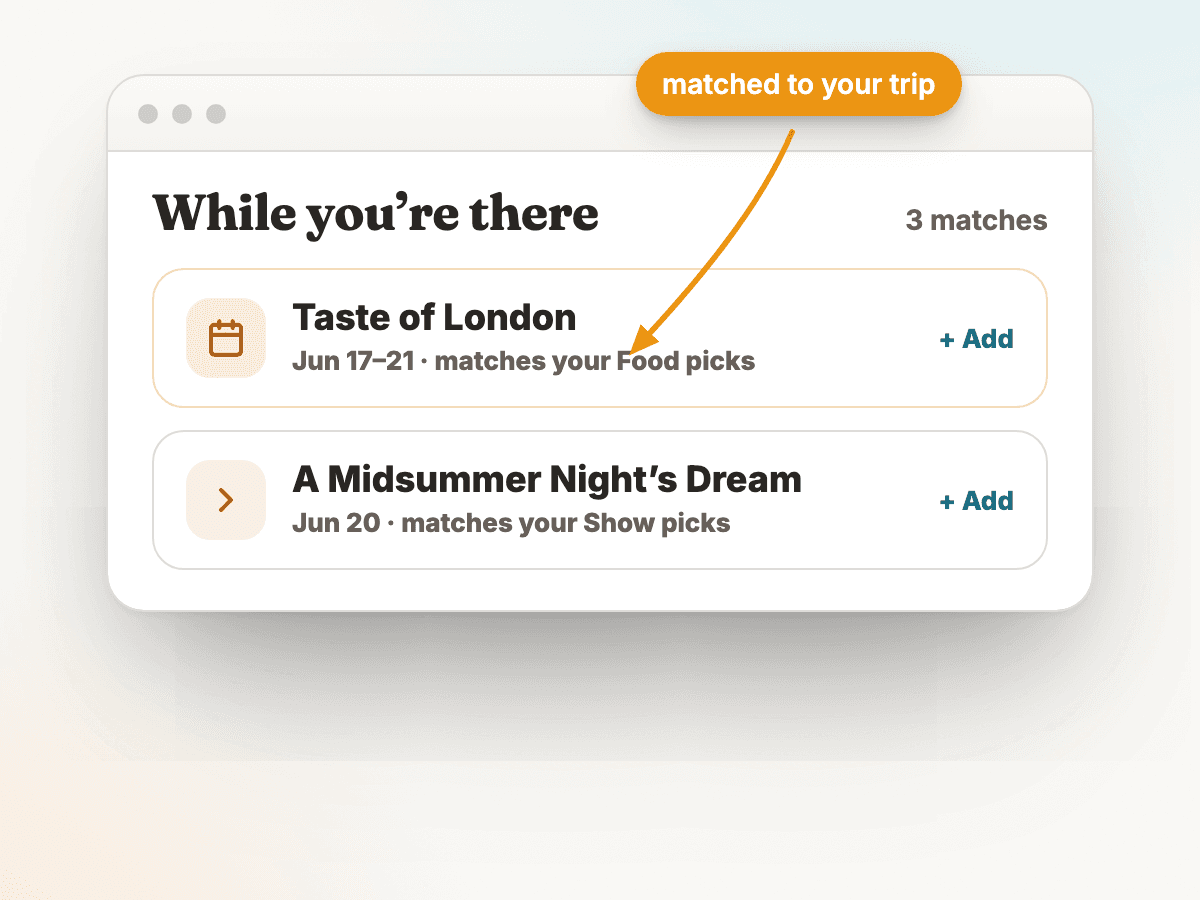
Travelers report a specific kind of regret: a food festival, concert, exhibition, or one-day event happened during their trip, in the city they were already in, and they only discovered it after returning. Monthly events guides like Time Out, Romeing, and Arigato Travel publish full date-bound calendars for major cities — proof that travelers search for this exact information before trips, and that without a layer that surfaces date-overlapping events, the misses keep happening.
How TripSapien handles it
- Review the whole itinerary in one pass instead of checking each stop by hand. TripSapien checks matched places with available data; ambiguous, unmatched, or missing-data stops stay visible for confirmation with the official source.
- Public holidays for the destination country are compared with your trip window, giving you context for possible closures or hour changes that still need venue-level confirmation.
- Available listings for festivals, concerts, sports, and date-bound exhibitions that overlap your travel window can surface alongside the rest of your plan.
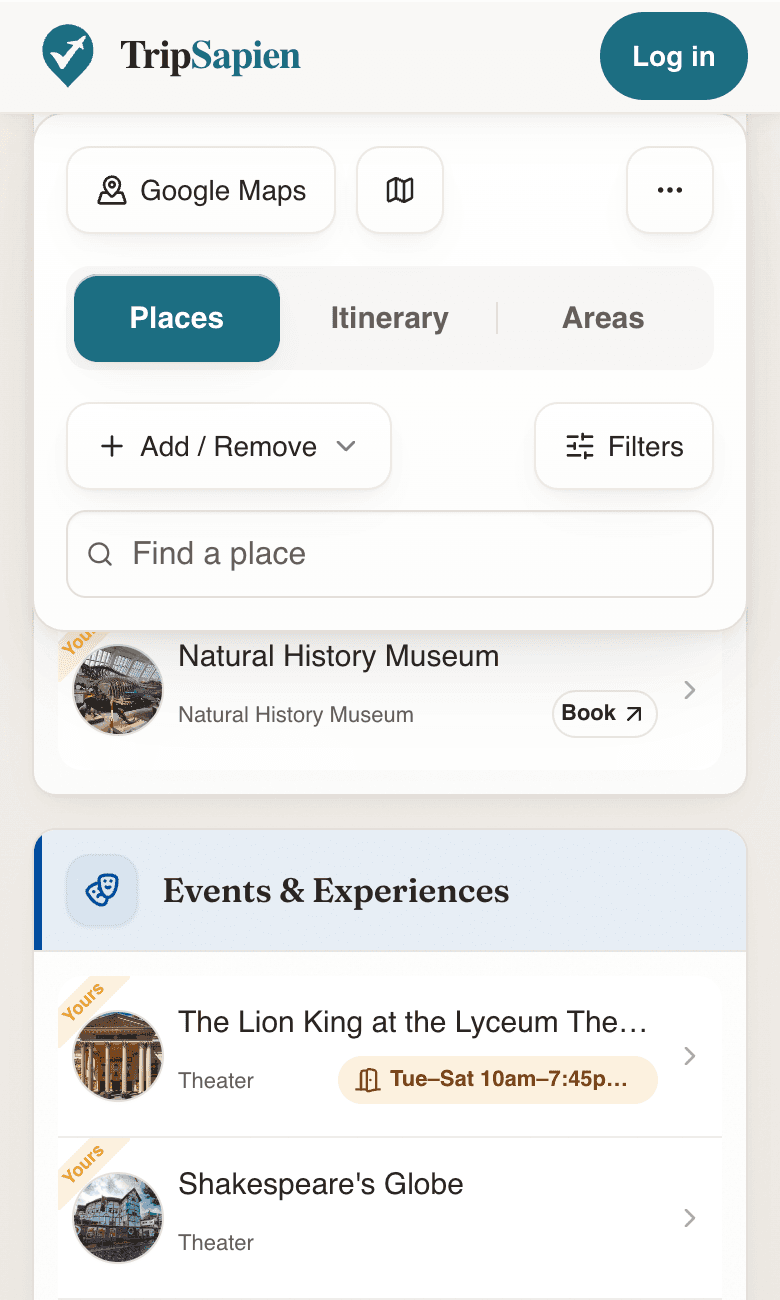
- Available event and holiday context sits beside the matched places in your plan; always confirm dates, venue details, and tickets with the organizer.
TripSapien product preview
Questions
- Why not just check the city events page myself?
- You can, and an official organizer or city calendar is the best place to confirm an important event. TripSapien brings available destination, month, and holiday context into the same plan as the place review so you can spot what deserves confirmation.
- What events does TripSapien find?
- TripSapien can surface available listings for festivals, concerts, sporting events, and date-bound exhibitions that overlap your travel dates, plus destination-country holiday context. Coverage is not comprehensive, so confirm important events with the organizer.
- How do I find events in a city for a specific month?
- Start with a date-scoped city page such as Madrid in July 2026, Stockholm in July 2026, or Mexico City in November 2026. Then paste your trip plan so available event context sits beside matched-place schedule details, holiday context, booking guidance, neighborhoods, and the map.
- Does it tell me if tickets are sold out?
- No. It can surface an event listing so you know to check availability, but ticket status can change. Confirm availability and book through the official organizer or ticket source.
More guides
All travel planning toolsStop rebuilding the trip-planning spreadsheetWill it actually be open when you arrive?Plan days that don't zig-zag the cityCheck an AI itinerary before it becomes your tripAI itinerary mistakes to catch before travelValidate your ChatGPT or Gemini travel itinerarySave a ChatGPT itinerary to Google MapsBest AI itinerary validators in 2026Best tools to check if attractions are open on your tripChatGPT vs Gemini vs Perplexity for travel planning in 2026Best AI trip planners by travel job in 2026
AI itinerary checks
Check a ChatGPT itinerary before you travelCheck a Gemini travel itinerary before you travelCheck a Claude travel itinerary before you travelCheck a Perplexity travel itinerary before you travelCheck a Copilot travel itinerary before you travelCheck a Grok travel itinerary before you travelCheck a Meta AI travel itinerary before you travelCheck a DeepSeek travel itinerary before you travelValidate trip hours against your travel datesOrganize travel recommendations from anywhere