Check an AI itinerary before it becomes your trip
By TripSapien · Updated July 20, 2026
Check every stop against your real travel dates before you go, even when the draft already looks good. The AI plan looks finished. The real-world check is the missing step.
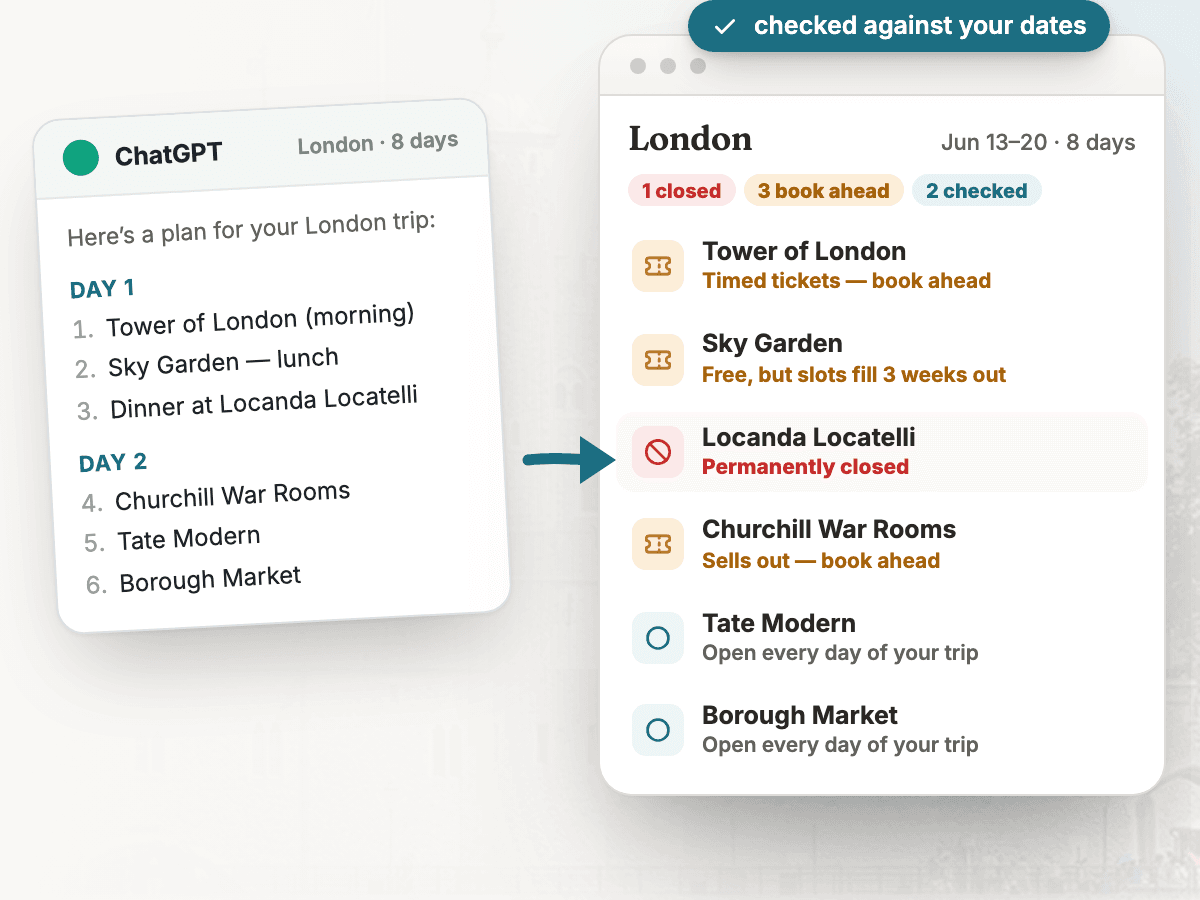
The problem
AI travel planners are useful first-draft tools, but they can still mix stale blog data, outdated opening hours, closed restaurants, reservation-only sights, and neighborhoods that do not belong in the same day. The failure is practical: the itinerary reads confidently until the traveler reaches a locked door, a sold-out museum, or an unnecessary cross-town detour.
How TripSapien handles it
- Review the whole itinerary in one pass instead of checking each stop by hand. TripSapien checks matched places with available data; ambiguous, unmatched, or missing-data stops stay visible for confirmation with the official source. Free — no ads, no sign-up. Backed by a vetted catalog of more than 610,000 places and growing.
- Paste the AI itinerary as written — common day headings, bullets, and prose work. TripSapien extracts candidate place names and tries to match them to known places.
- For matched stops, it compares available hours and closure signals with your destination and travel dates and shows holiday or booking guidance when supported by the data.
- Matched places can be regrouped by neighborhood and map location. Ambiguous names, unmatched suggestions, and missing-hours entries remain visible for manual review.
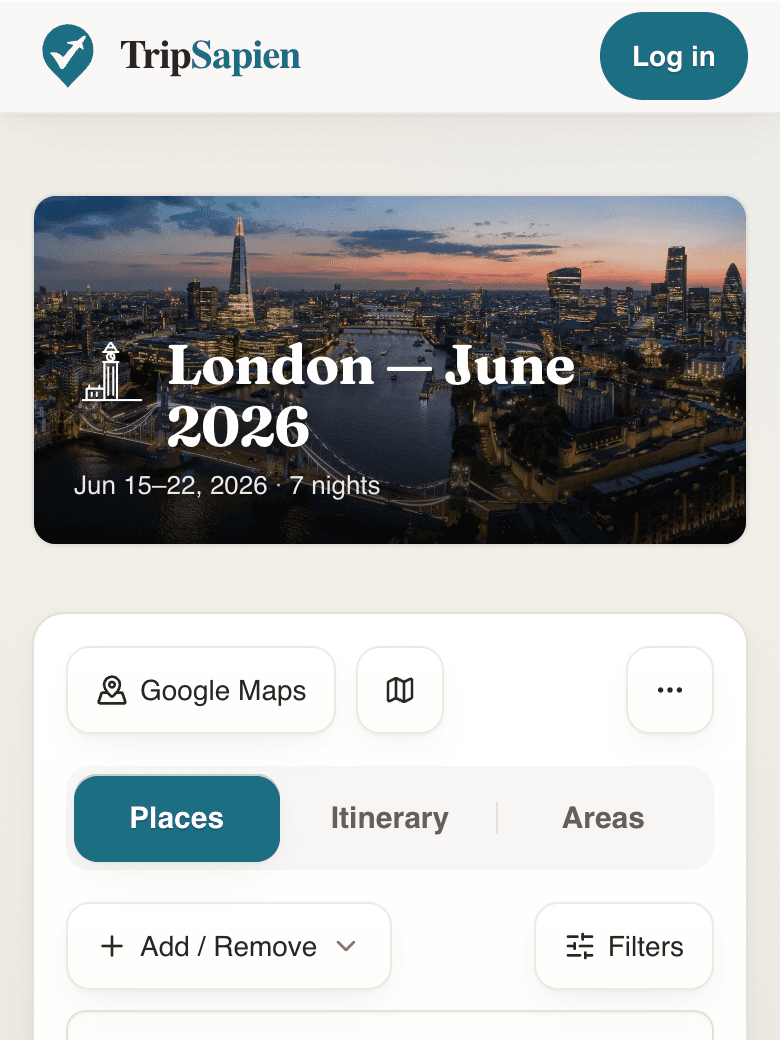
TripSapien product preview
Questions
- Which AI itinerary tools can I check?
- The input can come from ChatGPT, Gemini, Claude, Perplexity, Copilot, another AI planner, or a human-written list. TripSapien uses the same extract, match, and review workflow regardless of the source.
- What does TripSapien check that the AI planner does not?
- It tries to match suggested names to known places, then shows available hours, closure signals, holiday context, booking guidance, neighborhoods, and map context for those matches. Unmatched, ambiguous, or missing-hours entries stay visible for review.
- Should I check the itinerary before or after booking?
- Check it before you commit the day plan. The useful window is when you can still swap a closed stop, reserve a timed-entry sight, or rebuild a day around one neighborhood.
Related resources
- Rilee Smith’s ChatGPT travel-planning prompts — A practical prompt collection for drafting the first AI travel plan, paired naturally with TripSapien for the post-draft reality check.
More guides
All travel planning toolsStop rebuilding the trip-planning spreadsheetWill it actually be open when you arrive?Plan days that don't zig-zag the cityCatch the festivals and events that overlap your tripAI itinerary mistakes to catch before travelValidate your ChatGPT or Gemini travel itinerarySave a ChatGPT itinerary to Google MapsBest AI itinerary validators in 2026Best tools to check if attractions are open on your tripChatGPT vs Gemini vs Perplexity for travel planning in 2026Best AI trip planners by travel job in 2026
AI itinerary checks
Check a ChatGPT itinerary before you travelCheck a Gemini travel itinerary before you travelCheck a Claude travel itinerary before you travelCheck a Perplexity travel itinerary before you travelCheck a Copilot travel itinerary before you travelCheck a Grok travel itinerary before you travelCheck a Meta AI travel itinerary before you travelCheck a DeepSeek travel itinerary before you travelValidate trip hours against your travel datesOrganize travel recommendations from anywhere