Validate your ChatGPT or Gemini travel itinerary
By TripSapien · Updated July 20, 2026
Check every stop against your real travel dates before you go, even when the draft already looks good. An AI itinerary can sound confident without establishing whether its suggestions work on your dates.
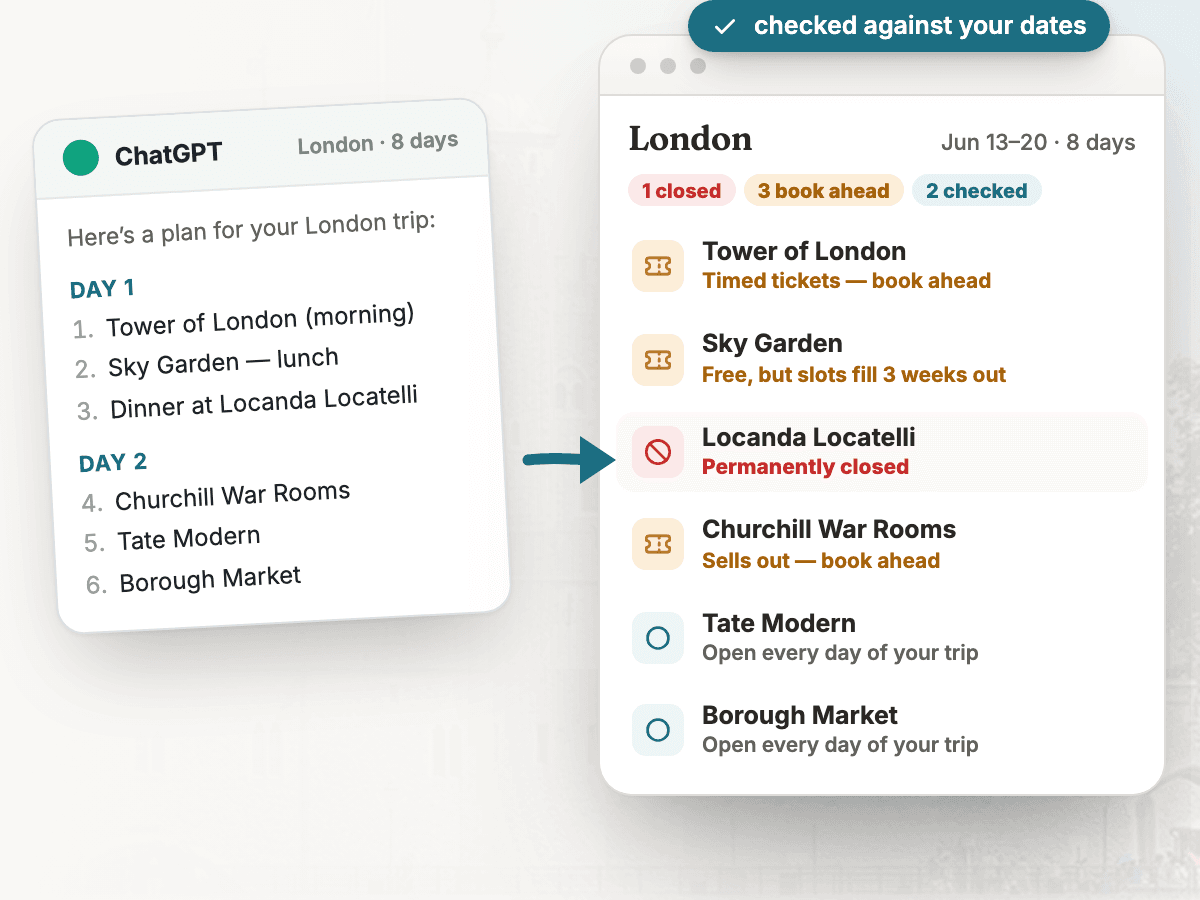
The problem
An AI itinerary can read beautifully while missing practical details: places that moved or closed, hours that do not match your dates, sights that need tickets booked ahead, or stops scattered across the city with no regard for transit.
How TripSapien handles it
- Review the whole itinerary in one pass instead of checking each stop by hand. TripSapien checks matched places with available data; ambiguous, unmatched, or missing-data stops stay visible for confirmation with the official source. Free — no ads, no sign-up. Backed by a vetted catalog of more than 520,000 places and growing.
- Paste the AI itinerary as-is. TripSapien extracts candidate place names and tries to match them to known places.
- For matched stops, it shows available opening hours for your dates, closure signals, and booking guidance. Ambiguous names, unmatched suggestions, and missing-hours entries remain visible for review.
- Matched places can be regrouped by neighborhood so you can inspect whether the AI’s day order sends you back and forth across town.
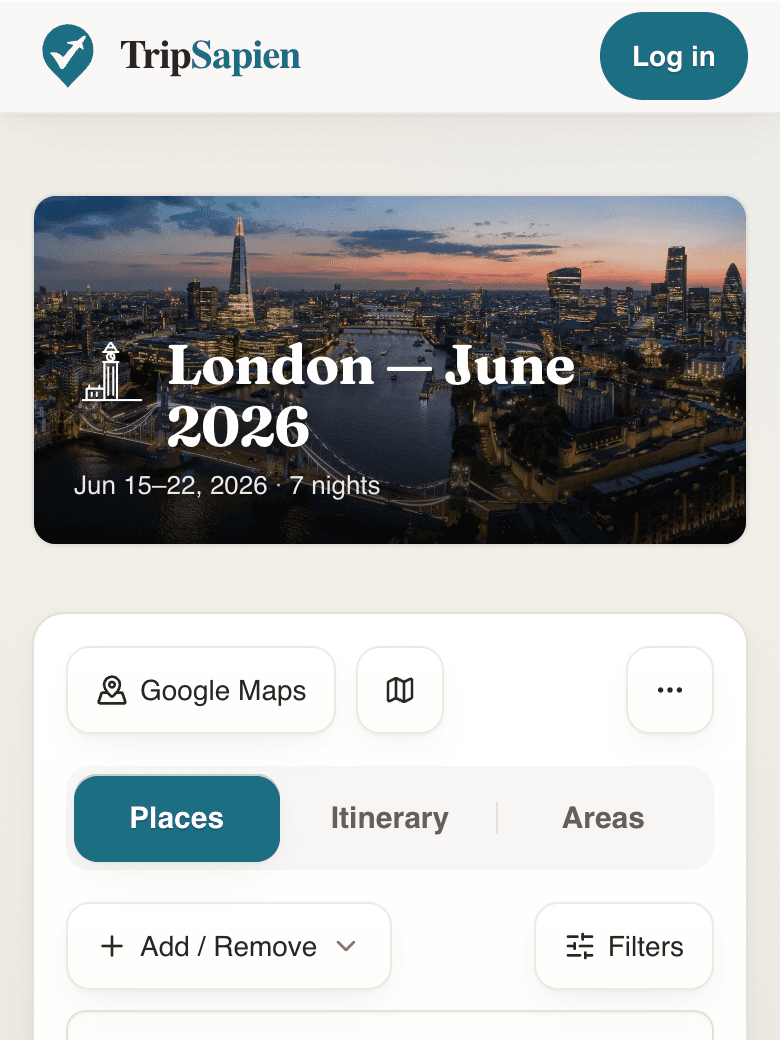
TripSapien product preview
Questions
- Why does an AI itinerary need checking?
- Even when an AI assistant can browse, its itinerary may not reflect live or date-specific venue information. Opening hours, closures, ticketing, and whether a place still exists should be checked before the trip.
- Do I need to reformat the itinerary first?
- No. Paste common formats such as day headings, bullets, or prose. TripSapien attempts to extract the suggested place names and keeps uncertain results visible.
- Is TripSapien free?
- Yes. You can paste an itinerary and run the core match-and-review workflow at no cost.
Related resources
- Rilee Smith’s 55+ ChatGPT prompts for travel planning — A free, well-organized set of ChatGPT travel-planning prompts by travel writer Rilee Smith — a strong way to draft a first itinerary. TripSapien adds the itinerary-validation step on top.
More guides
All travel planning toolsStop rebuilding the trip-planning spreadsheetWill it actually be open when you arrive?Plan days that don't zig-zag the cityCatch the festivals and events that overlap your tripCheck an AI itinerary before it becomes your tripAI itinerary mistakes to catch before travelSave a ChatGPT itinerary to Google MapsBest AI itinerary validators in 2026Best tools to check if attractions are open on your tripChatGPT vs Gemini vs Perplexity for travel planning in 2026Best AI trip planners by travel job in 2026
AI itinerary checks
Check a ChatGPT itinerary before you travelCheck a Gemini travel itinerary before you travelCheck a Claude travel itinerary before you travelCheck a Perplexity travel itinerary before you travelCheck a Copilot travel itinerary before you travelCheck a Grok travel itinerary before you travelCheck a Meta AI travel itinerary before you travelCheck a DeepSeek travel itinerary before you travelValidate trip hours against your travel datesOrganize travel recommendations from anywhere