TripIt vs TripSapien
TripIt organizes bookings; TripSapien recommends and validates places
TripIt is good for the reservations you already booked. TripSapien matches and reviews the restaurants, museums, markets, and sights still sitting in your draft plan.
In short: TripIt organizes flights, hotels, and reservation confirmations; TripSapien recommends curated places and reviews the places in a trip plan by matching names when possible and adding available hours, closure signals, booking guidance, neighborhoods, and map context for the travel dates.
TripIt vs TripSapien: what it is for
Use TripIt for travel documents and booking timelines. Use TripSapien for an AI itinerary, blog list, Google Doc, or spreadsheet whose place names need matching and practical context.
What TripSapien checks
- Place extraction from notes, docs, spreadsheets, and AI itineraries
- Place matching with ambiguous and unmatched names kept visible
- Available opening-hour, closure, holiday, and booking context
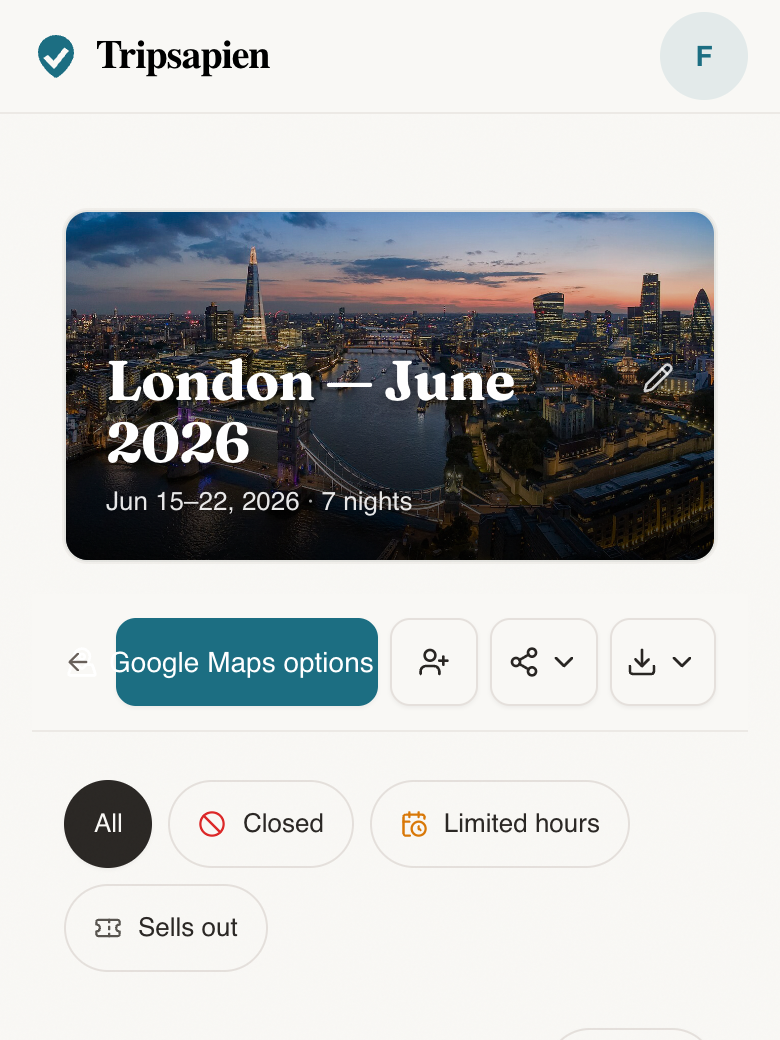
- Neighborhood grouping, map context, and optional Google Maps export for matches
How to use it
- 1Keep flights and hotels in TripIt if that workflow works for you.
- 2Paste your place list into TripSapien with destination and dates.
- 3Review the matches, uncertain names, and available date context before travel.
Questions
- Is TripSapien a TripIt alternative?
- Not for flight and hotel confirmation management. TripSapien is an alternative for matching suggested place names and reviewing available date, hours, closure, booking, neighborhood, and map details.
- Can TripIt check whether attractions are open on my dates?
- TripIt is mainly for travel reservations. TripSapien matches attractions, restaurants, and other suggested places when possible and compares available schedule data with your travel dates.
- Can I use TripIt and TripSapien together?
- Yes. Keep bookings in TripIt and use TripSapien to review the place list, uncertainty, and day-plan context.
- Does TripSapien read booking emails?
- No. Paste the place recommendations or itinerary text you want checked.