Google Maps Lists vs TripSapien
Google Maps Lists save places; TripSapien recommends and checks the trip first
A saved pin does not show whether its source name was matched correctly or how its available schedule fits your dates. TripSapien adds that review before export.
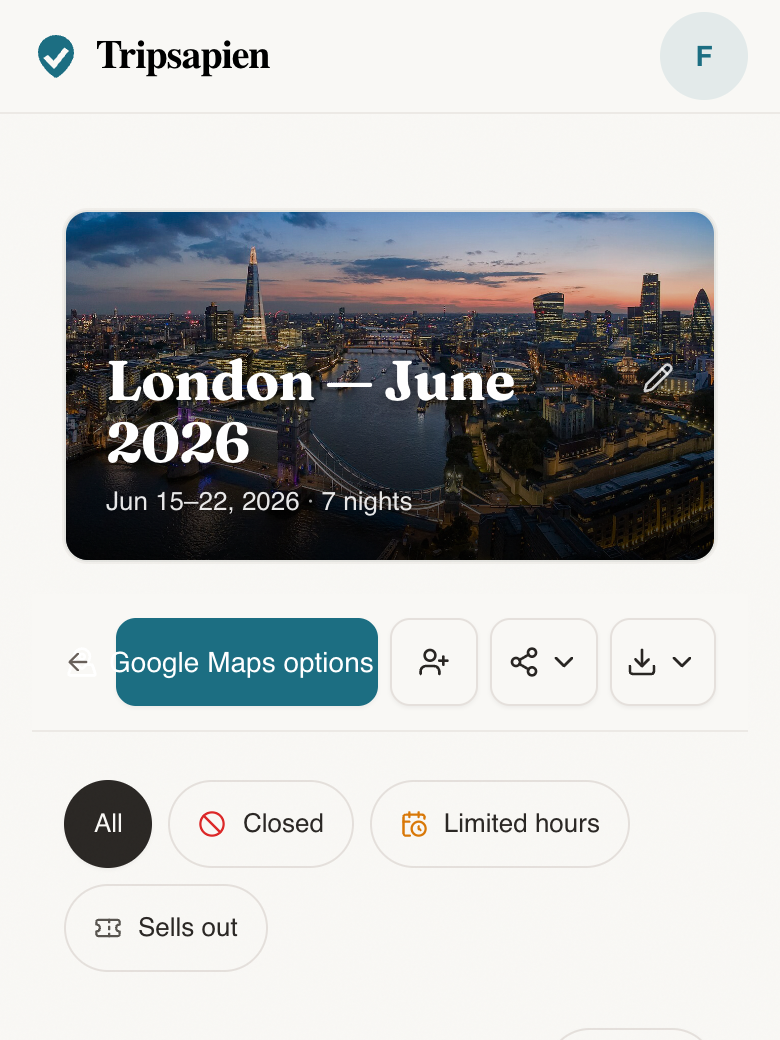
In short: Google Maps Lists are a place-saving and navigation surface; TripSapien recommends curated places and reviews a place list before it reaches Maps by matching names when possible and adding available hours, closure signals, holiday context, booking guidance, neighborhoods, and map context for the trip dates.
Google Maps Lists vs TripSapien: what it is for
Use Google Maps for navigation and saved pins. Use TripSapien when suggestions from ChatGPT, Gemini, blogs, friends, or a spreadsheet need matching and available date context before export.
What TripSapien checks
- Paste-first extraction from AI itineraries and notes
- Place matching with ambiguous and unmatched names kept visible
- Available opening-hour, closure, booking, holiday, and neighborhood context
- Optional export of matched places to a native Google Maps saved list
How to use it
- 1Paste the places into TripSapien before rebuilding them as pins.
- 2Set destination and dates so available checks for matched places use the right travel window.
- 3Export the matched places you choose to Google Maps when the plan is ready.
Questions
- Is TripSapien better than Google Maps Lists?
- For reviewing a trip before travel, TripSapien adds place matching, visible uncertainty, and available opening, closure, booking, holiday, and neighborhood context. Google Maps Lists save places for later use.
- Can TripSapien export to Google Maps?
- After review, the optional free Chrome extension can save matched places into a native Google Maps list.
- Why not save the ChatGPT itinerary directly to Google Maps?
- Because a map can preserve mistaken, ambiguous, or poorly grouped suggestions. TripSapien lets you review matches and available date context before exporting the stops you choose.
- Does TripSapien replace Google Maps navigation?
- No. TripSapien matches and organizes the place list and adds available planning context; Google Maps remains the navigation and saved-pins surface.